Smart Shift Scheduling
From shift creation to self-service signup to trade workflow — Resgrid handles the full scheduling lifecycle.
Flexible Shift Creation
Create shifts with names, codes, colors, and start/end times. Assign groups, define role requirements, and select active dates. Supports both assigned and signup-based scheduling.
Self-Service Signup
Personnel browse available shift days, see open spots by role, and sign up directly. Multi-group signup lets members cover shifts at any station when enabled.
Shift Trades
Full trade workflow: request a trade, propose alternate days, accept or reject with reasons, and complete the swap. Every step fires events and notifications to keep everyone informed.
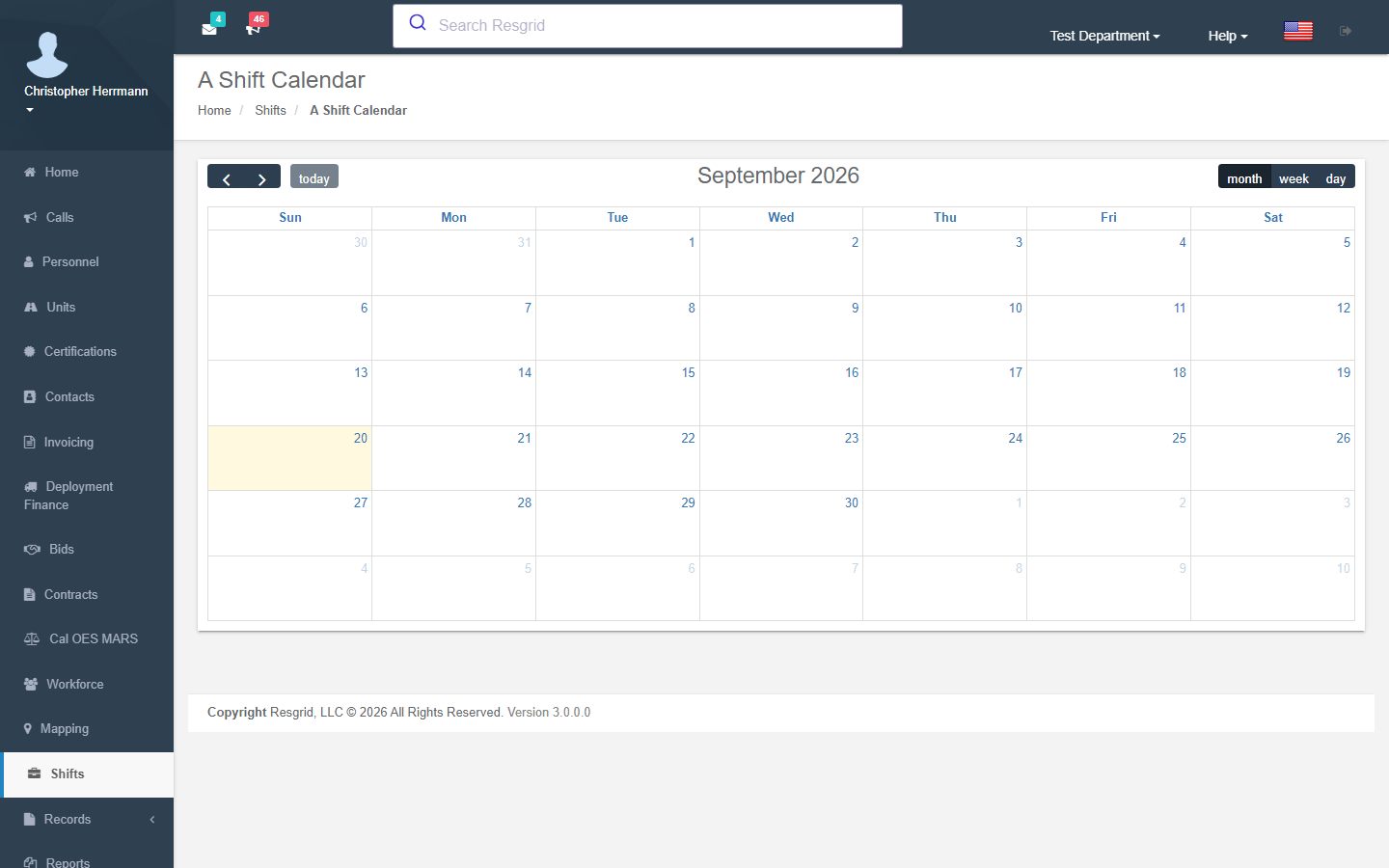
Shift Calendar
Visual calendar view with color-coded shift days, fill status indicators, and signup counts. View all shifts at once or drill into a single shift's schedule.
Shift-Based Dispatch
When enabled, group dispatch targets automatically swap to on-duty shift personnel. Auto-set status for dispatched shift members so they're immediately marked responding.
Staffing & Readiness Reports
Analyze shift fulfillment across all groups and roles. See who is assigned, who signed up, and where gaps remain — before the shift starts.
Shift Configuration & Scheduling
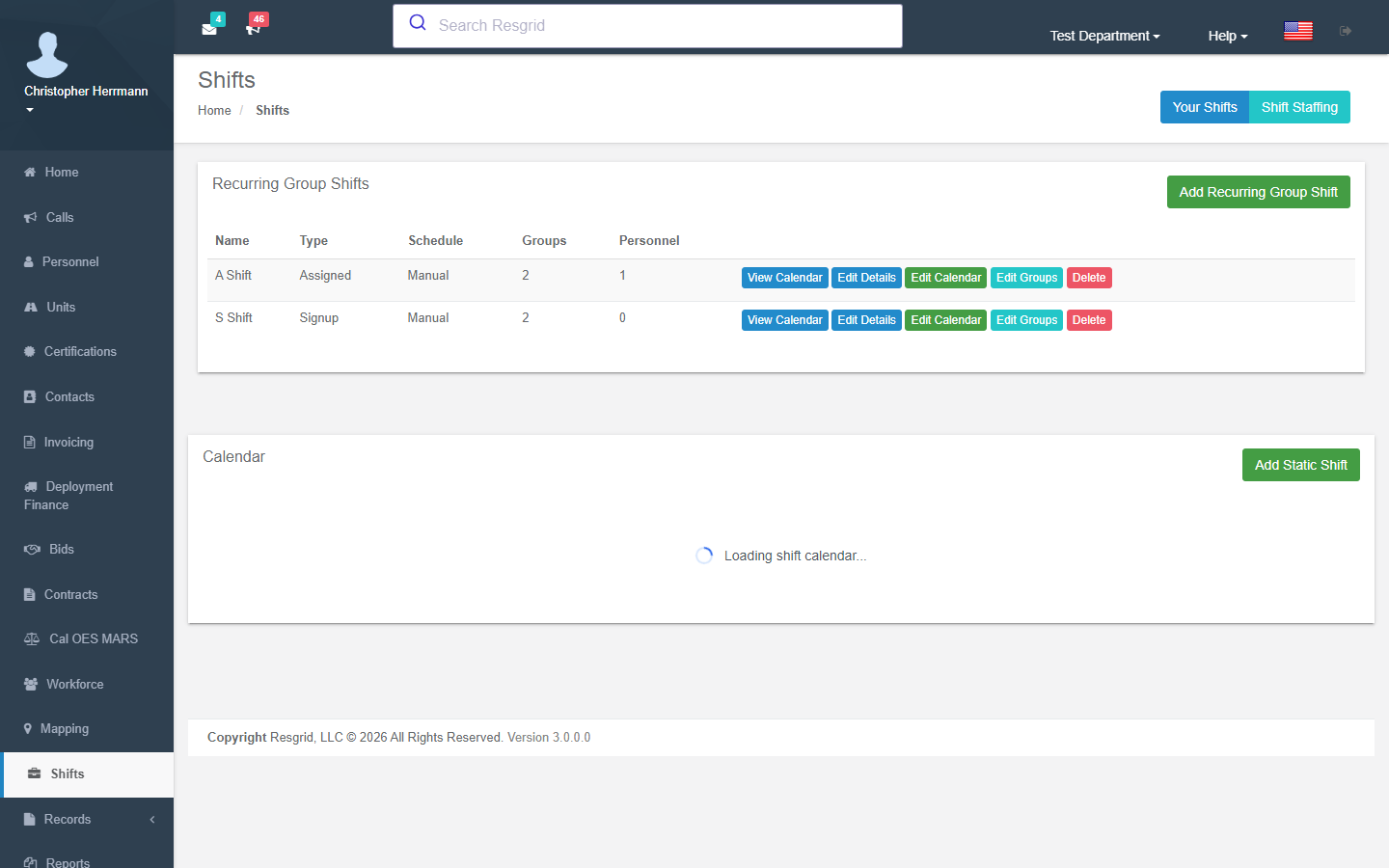
Create shifts with all the details your department needs — name, short code, color for calendar display, and precise start/end times. Assign station groups with per-group role requirements (how many of each role you need). Then select exact dates the shift is active.
- Shifts with name, code, color, and time range
- Assign one or more station groups per shift
- Per-group role requirements (e.g., 2 Drivers, 1 Officer)
- Pre-assign specific personnel to groups
- Flexible date selection for active shift days
- Edit details, days, and groups independently
- Audit events on create, update, and delete
Signup, Trades & Swaps
Personnel view available shift days, check role needs, and sign up for their station or (with multi-group enabled) any station. The trade system handles the full lifecycle: request, propose, accept/reject, and complete — all with event-driven notifications at every step.
- Self-service shift signup with role-based visibility
- Multi-group signup (configurable per department)
- View open needs and fulfillment per shift day
- Trade request → propose → accept/reject → complete workflow
- Notifications at every trade step (push, email, SMS)
- 'Your Shifts' view shows upcoming signups and open trades
Calendar, Staffing & Dispatch Integration
The shift calendar displays all shift days (and workshifts) in a color-coded view with fill status. Staffing views let admins assign personnel per-day per-group. When shift-based dispatch is enabled, dispatching to a group automatically routes to on-duty shift personnel instead.
- Color-coded calendar with fill status indicators
- Per-shift and all-shifts calendar views
- Workshift integration on the same calendar
- Admin staffing assignment per day per group
- Shift-based dispatch auto-substitutes group → shift personnel
- Auto-set configurable status on shift dispatch
- Readiness reporting across groups and roles
Shifts Connect Everything
Shift data flows into dispatch, dashboard staffing levels, reporting, and calendar views across the platform.
Dispatch
Groups
Personnel Roles
Dashboard
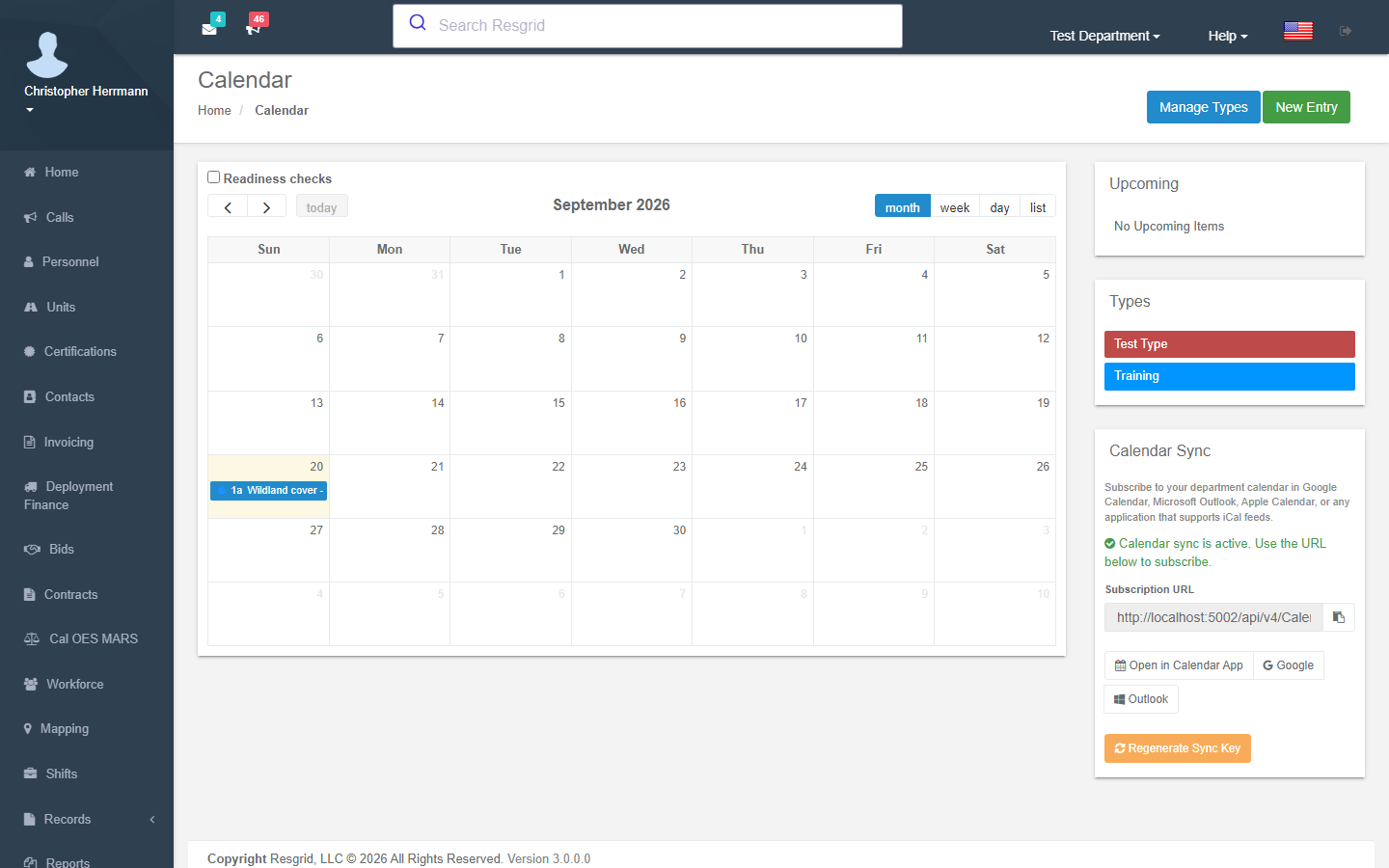
Calendar
Workshifts
Reports
Department Settings